
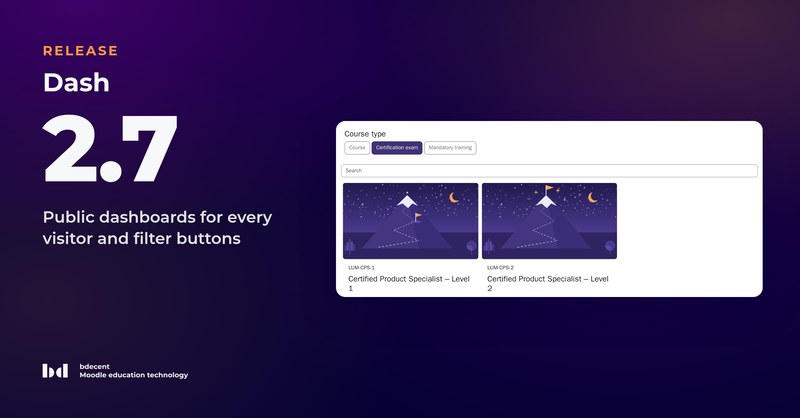
If you use public dashboards, this is the update to install: they now work for visitors who are not logged in. Dash 2.7 also brings filter buttons, faster exports and support for Moodle 5.2.
What's new in Dash 2.7:
- Public dashboards for every visitor: content and filters load without logging in
- Login instead of an error: visitors of other dashboards log in and come straight back
- Filter buttons: filters with a few options appear as buttons, also in slider and masonry
- More options: calendar events by course, a new "Online users" condition, your own content in the details area
- Faster, complete exports: all data instead of the first page, and quicker with large data sets
- Moodle 4.5 to 5.2
Upgrading
- Dash Plus, Pro or Premium: update the Dash block and the Dash plugin of your plan to 2.7 together.
- Filter buttons: a filter with "All" and four options now appears as buttons. Change this with "Filter buttons: maximum options".
- Guests: with "Auto-login guests" on, visitors of public dashboards are logged in as guest, as before Dash 2.5.
- After the upgrade, open Site administration › Plugins › Blocks › Dash and check "Filter buttons: layouts". If no layout is selected, select Grid, Slider and Masonry and save.
- Back up your site before upgrading.