
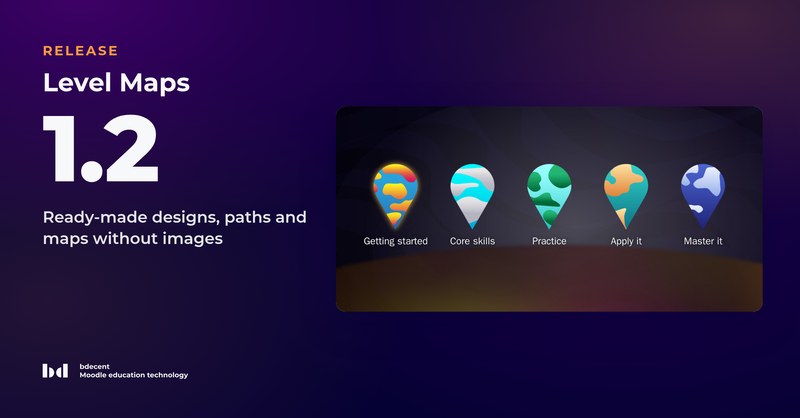
Level Maps 1.2 makes a course look finished from the first minute: new courses start with a ready-made design, and levels and activities work without a single uploaded image. Paths offer a second way to show a course.
What's new in Level Maps:
- Ready-made designs for the course page, levels and activities; managers can upload more as ZIP packages
- Paths: each level as a path of its activities on paper (Exercise book, Notebook, Timeline), nothing to place
- Subsections as pins on the map, with their progress and a map of their own
- Level maps without images: generated maps, numbered tiles, activity icons that show their state
- Immersive level maps, a start page setting, and popups that zoom in from the map
- Moodle 4.5, 5.1, 5.2 and 5.3
Upgrading from Level Maps 1.1
- Level Maps 1.2 places activities on the map instead of relative to the theme's content column. The upgrade converts the positions, and so does the restore of a 1.1 backup. Check your level maps afterwards and correct single activities with Setup Positions where needed.
- Non-editing teachers no longer place activities. If they should, give their role format/levels:managelevels again.
- Existing courses keep their images; only new courses start with a design.
- Sites on Moodle 4.4 or earlier stay on Level Maps 1.1. Subsections need the Subsection activity, popups the Popups format.
- Back up your site before upgrading.